OpenClaw Deployment Guide
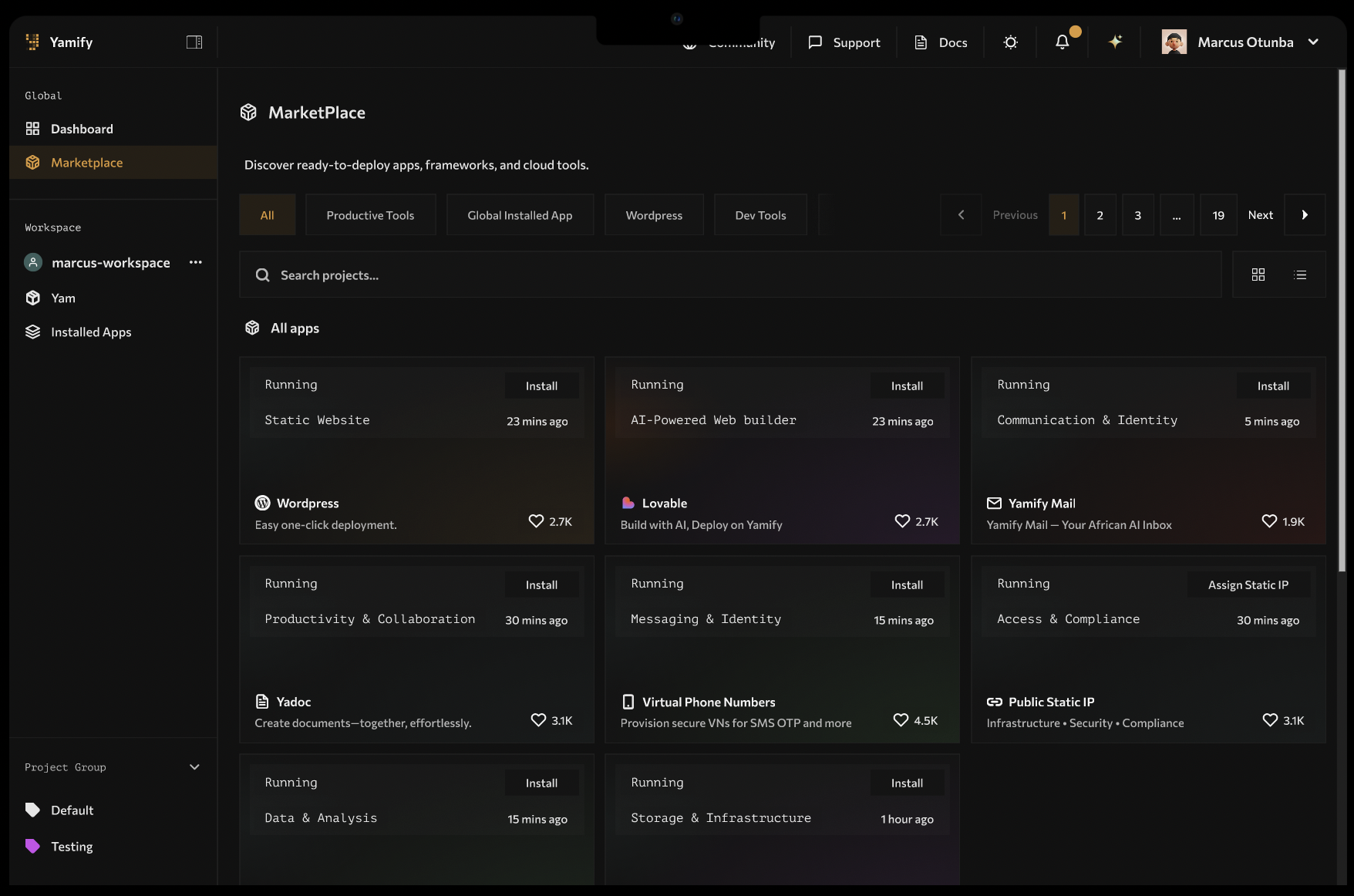
OpenClaw is installed from the Yamify Marketplace and then appears in the Yam application list.
What this guide covers
Use this guide when you want to deploy OpenClaw on Yamify and validate the app quickly after install. It is the shortest path from marketplace install to a working app URL with clear checks for the issues teams hit most often.
Quick answer
OpenClaw is an open-source AI agent platform. Yamify hosts OpenClaw for teams in Africa so you do not need to manage Kubernetes, ingress, or TLS by hand. A typical deployment gives you a dedicated workspace Yam, a secure URL, optional local Qwen runtime, and a short checklist to validate pairing and access. Most teams can install, open the app, and test their first chat in under five minutes once the workspace is ready.
Best fit
- teams that want a faster path from OpenClaw install to a working assistant
- agencies deploying OpenClaw for multiple clients
- operators who want a clearer checklist for routing, pairing, and post-install validation
Required inputs
- Host prefix
- OpenAI API key (or selected provider key)
- Optional Skill Pack repository URL
Deployment steps
- Open the OpenClaw card in Yamify Marketplace.
- Enter the host prefix you want Yamify to provision.
- Add the required provider key or selected provider configuration.
- Add an optional Skill Pack repository URL if you want to bootstrap a custom pack.
- Start the install and wait for the app to appear in the Yam application list.
Post-install checks
- App status is
runningin Yam page. - URL opens over HTTPS.
- Chat loads without
origin not allowed. - Pairing/device bootstrap is completed automatically.
What Yamify handles
- secure app routing
- app URL provisioning
- post-install validation flow
- a docs path for common OpenClaw deployment failures
Troubleshooting checklist
Use this quick list before deeper debugging:
- Confirm the app status shows
runningin the Yam page. - Open the HTTPS URL in a private window to rule out cached pairing sessions.
- If you see
origin not allowed, verify the host prefix and re-check the pairing flow. - If you see
502or503, wait a few minutes, then retry after the app reports healthy.
Common first-run issues
If deployment succeeds but the app is not usable yet, start with these patterns:
502 Bad Gatewayor503 Service Temporarily Unavailableorigin not allowedpairing required
If deployment fails
Go to the OpenClaw error docs and start with:
FAQs
Do I need API keys to get started?
No for the default Yamify path. You can use the local Qwen runtime and add provider keys later for advanced setups.
How fast can I deploy OpenClaw on Yamify?
Most teams deploy in under five minutes after the workspace Yam is ready.
Where should I send teams who need a product overview?
Use the OpenClaw product hub on Yamify and the OpenClaw hosting page for a full overview of features and use cases.