Deploy and Call a Yamify Inference API
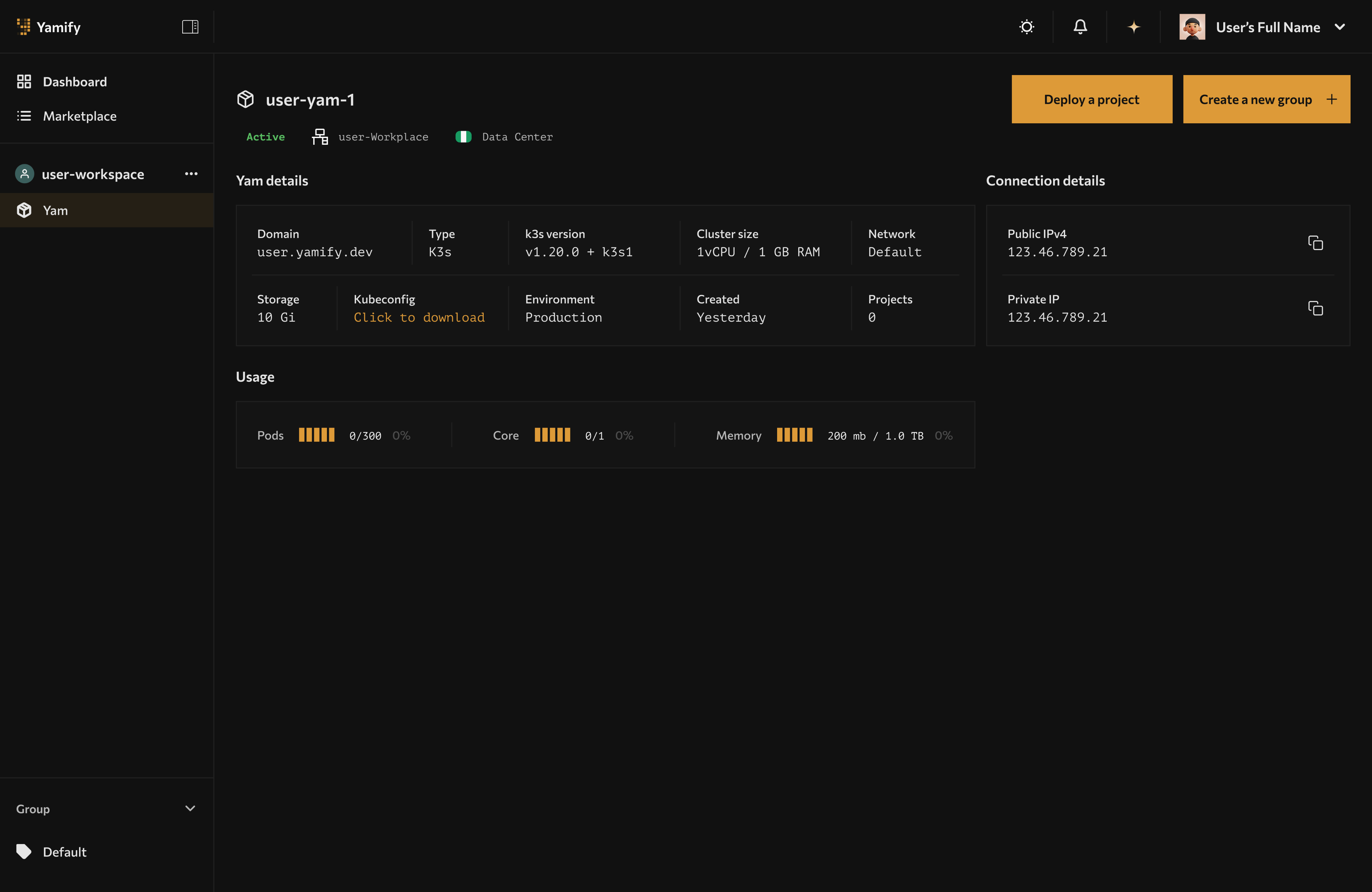
Inference endpoints are attached to your Yamify workspace and managed alongside your deployed apps.
Yamify can create an inference endpoint inside your workspace and expose it through an OpenAI-compatible API shape.
This is useful when you want to power:
- AI features in your own app
- client-facing copilots
- n8n workflows
- OpenClaw-backed automations
What you get
When you deploy an inference API, Yamify returns:
- a
projectId - a workspace association
- an endpoint URL
- a bearer token for calling that endpoint
The endpoint follows this pattern:
POST /api/v1/inference/{projectId}/chat/completions
Supported providers
Current provider options are:
openaiopenroutergroqdeepseek
Typical flow
1. Choose a workspace
The workspace must already have a Yam available. Yamify will attach the inference endpoint to that workspace.
2. Create the endpoint
You create the endpoint with:
- a project name
- a provider
- a model
- a provider API key
- optional temperature
3. Store the returned token safely
The returned bearer token is what your app uses to call the endpoint. Treat it like an app secret.
4. Call the endpoint like an OpenAI chat API
Your product or workflow sends messages, model, and optional generation settings.
Example request shape
{
  "model": "gpt-4o-mini",
  "messages": [
    {
      "role": "user",
      "content": "Summarize this customer ticket."
    }
  ],
  "temperature": 0.2
}
Common use cases
Frontend apps built in Lovable or Cursor
Use Yamify as the inference backend while your frontend lives elsewhere.
OpenClaw and n8n automations
Centralize model access behind one endpoint and reuse it across workflows.
Multi-client agencies
Create one inference endpoint per client workspace so credentials and runtime logic stay isolated.
Best practices
- Use one workspace per client or environment when isolation matters
- Keep provider keys scoped to the endpoint that needs them
- Use descriptive endpoint names like
support-brain,lead-score, orops-copilot - Rotate tokens if they are exposed in logs or demos
- Keep latency-sensitive traffic on the inference endpoint, not on MCP
Failure modes to watch
- Workspace not found: the workspace ID is wrong or not yours
- No Yam configured: the workspace exists, but Yam creation is incomplete
- Inference project is not ready: deployment exists but is not in ready state yet
- Unauthorized: the bearer token is missing or invalid
- Provider configuration missing: the provider key or model was not stored properly
Validation checklist
After you deploy:
- Confirm the project appears in the Yam application list.
- Confirm the endpoint URL is present.
- Send a test prompt and verify you receive a provider response.
- Add application-side retries and timeout handling before shipping to users.
When to use this instead of OpenClaw
Use Inference API when you want:
- a programmable model backend
- direct app-to-model requests
- standard API integration from code
Use OpenClaw when you want:
- an interactive agent UI
- human-facing control workflows
- skill-pack-based agent behavior