Use Yamify from Telegram
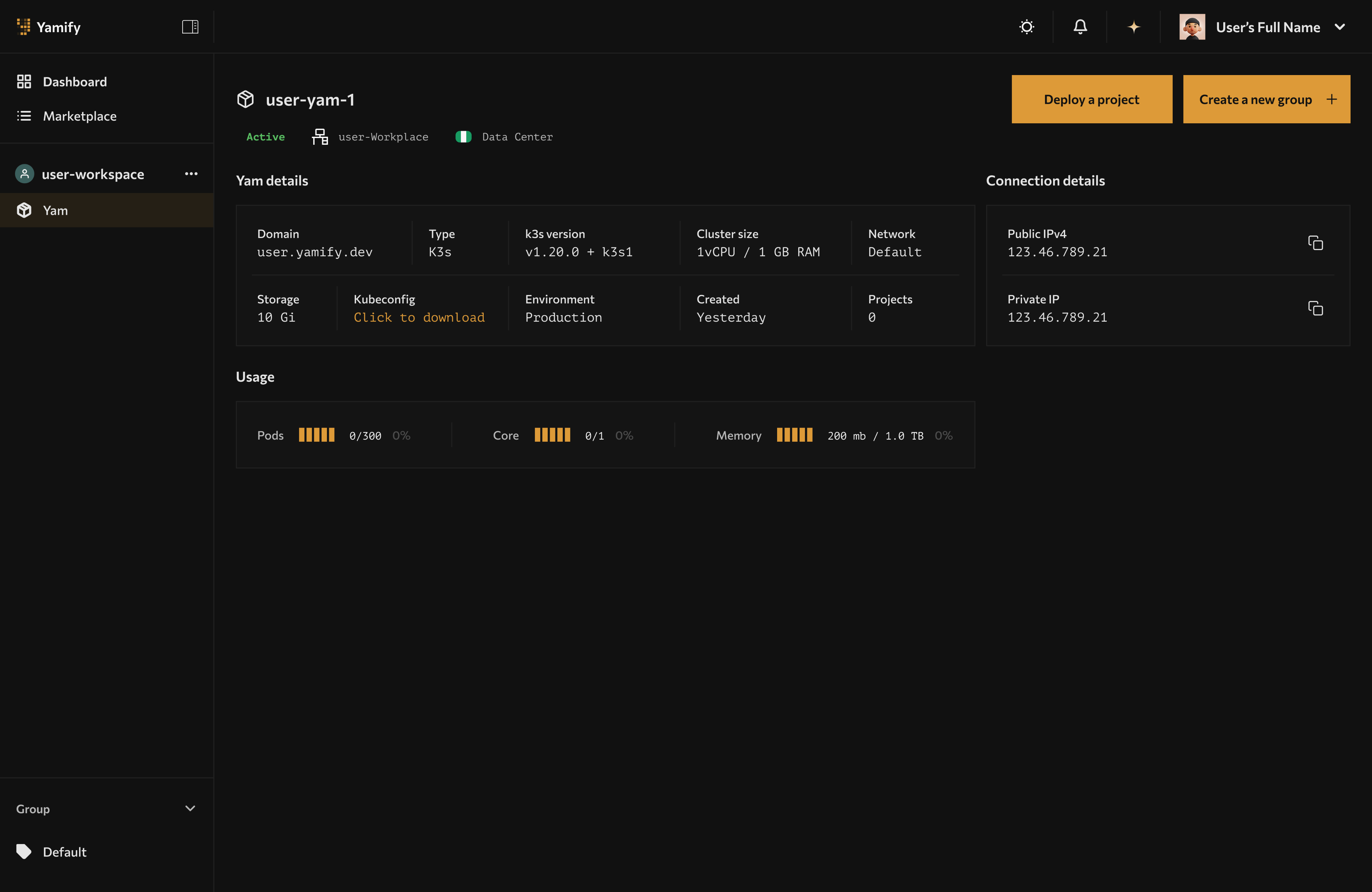
The Telegram bot complements the dashboard by returning workspace and deployment visibility from chat.
Yamify’s Telegram bot is a chat-based operations layer for quick account lookup and deployment visibility.
It is designed for moments when opening the full dashboard is slower than asking a bot:
- “What workspaces do I have?”
- “What apps are deployed for this client?”
- “What is the URL for the live app?”
Current role of the bot
Today, the Telegram bot is best understood as an operator and support surface, not a full self-serve replacement for the Yamify dashboard.
It currently supports:
- returning workspace lists
- returning deployed app lists
- returning app URLs for approved access patterns
Best-fit users
The Telegram bot is useful for:
- founders checking deployments from mobile
- agencies handling multiple client workspaces
- support teams responding quickly with the right app URL
- operators who want a faster path than logging into the UI
Recommended usage pattern
Use the Telegram bot for:
- lookup
- quick visibility
- mobile operations
Use the Yamify dashboard for:
- first-time onboarding
- installation flows
- credential entry
- deployment monitoring
Security posture
The Telegram bot is intentionally access-controlled.
Public best practice is:
- do not publish private access codes
- do not paste sensitive deployment credentials into chat
- use the bot for visibility and retrieval, not for secret handling
- treat mobile chat as an operational convenience layer
Practical workflow
Example: agency operator
- Open Telegram.
- Ask the Yamify bot for your workspaces.
- Ask for apps in a specific workspace.
- Copy the returned URL and share it with the right teammate or client.
Example: founder support flow
- A customer says their app URL is missing.
- You query the bot for that customer’s apps.
- You confirm whether the app exists and which URL is live.
- You move into the Yamify dashboard only if deeper debugging is needed.
Where this goes next
The long-term opportunity is bigger than lookup.
Yamify can evolve this into a chat-first control experience for:
- app discovery
- deployment status
- install confirmations
- quick admin actions
That is especially strong for markets where Telegram and WhatsApp are already primary operating surfaces.
For builders
If you want AI agents to take structured actions, use Yamify MCP.
If you want a live model endpoint for your product, use Yamify Inference API.